C
O
R
N
E
L
L
CornellGO | Gamifying Campus Exploration
CONTEXT
When I first joined Cornell Digital Tech & Innovation, CornellGo was almost ready to launch. The app helped students explore campus through scavenger hunts, but it still felt more like a guide than an experience.
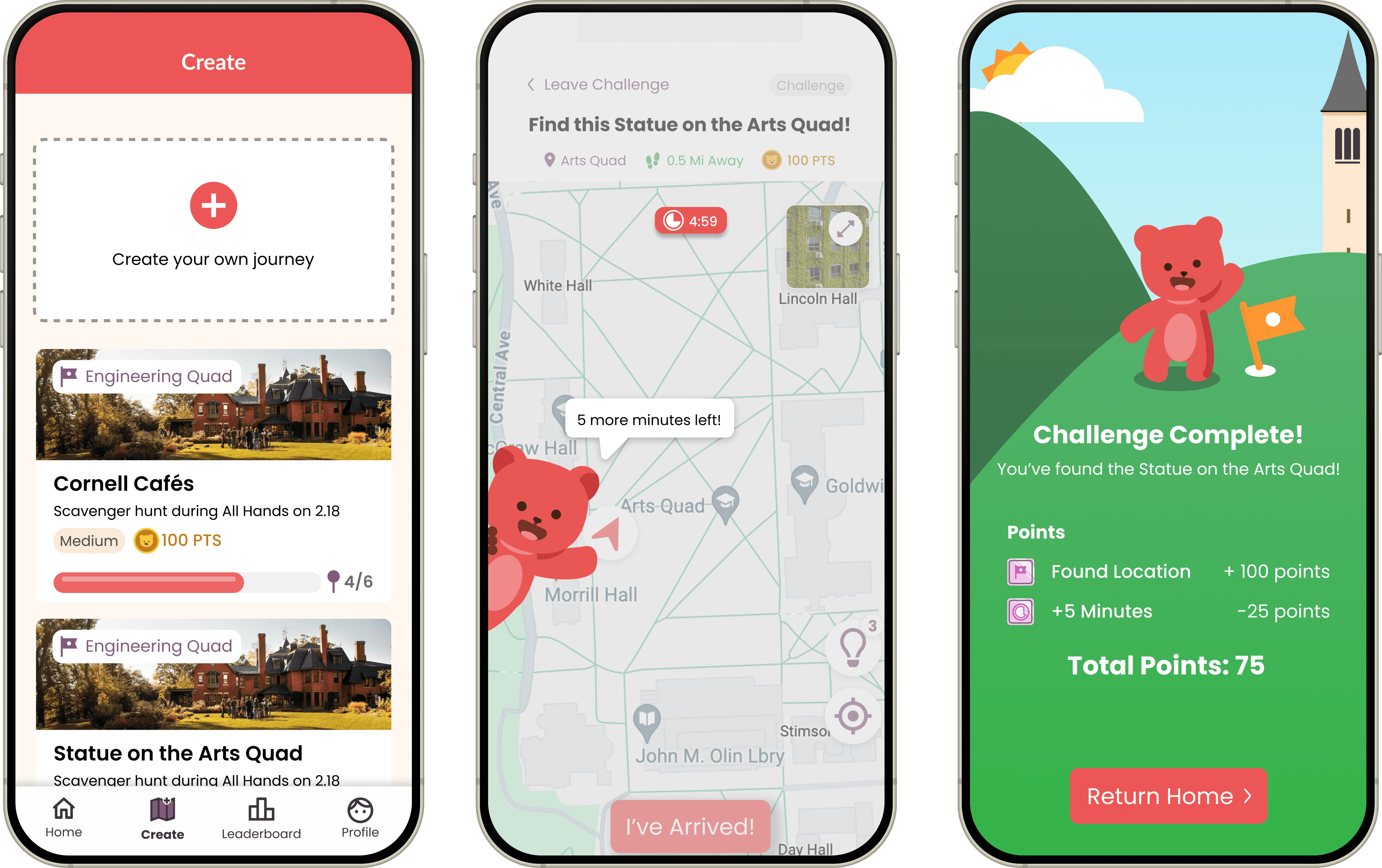
Working with two designers, I focused on making it more fun and meaningful. We introduced quick quizzes at each landmark, added time-based challenges, and built a manager portal so student organizations could create and share their own journeys. These changes helped CornellGo feel more interactive, personal, and worth coming back to.
TEAM
2 PMs, 1 TPM, 1 APM,
5 developers, 3 designers
ROLE
Product Designer
TIMELINE
Oct. - Dec. 2024
SKILLS/TOOLS
UX Research, Prototyping, Figma
Bringing Time Pressure to the Hunt ⏰
PROblem discovery
The core challenge-based gameplay lacked urgency, resulting in passive user engagement without competitive motivation or a clear goal to strive toward.
Competitor analysis
The Role of Timers in Mobile Gaming
First, I looked into popular mobile games like Fruit Ninja and Brawl Stars to understand how timers are integrated into their gameplay.
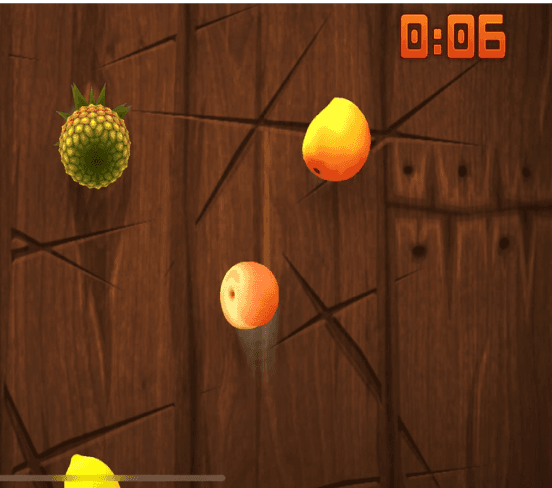
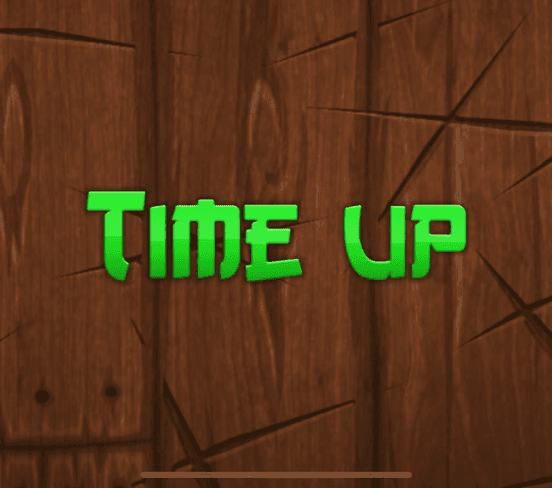
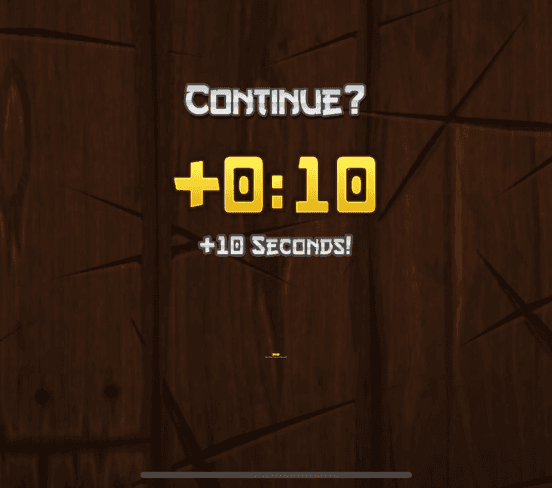
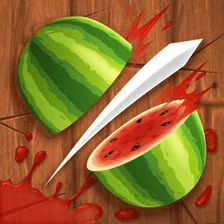
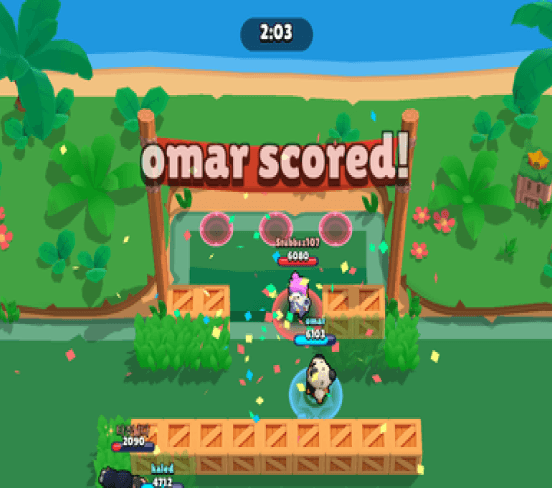
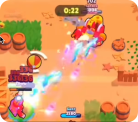
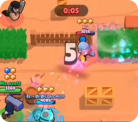
Fruit Ninja uses a bold, color-shifting timer to create urgency and offers bonus time to maintain engagement. Brawl Stars opts for a subtler floating timer that blends into gameplay, flashing yellow and red as time runs out to accelerate player action.
Low-fi explorations
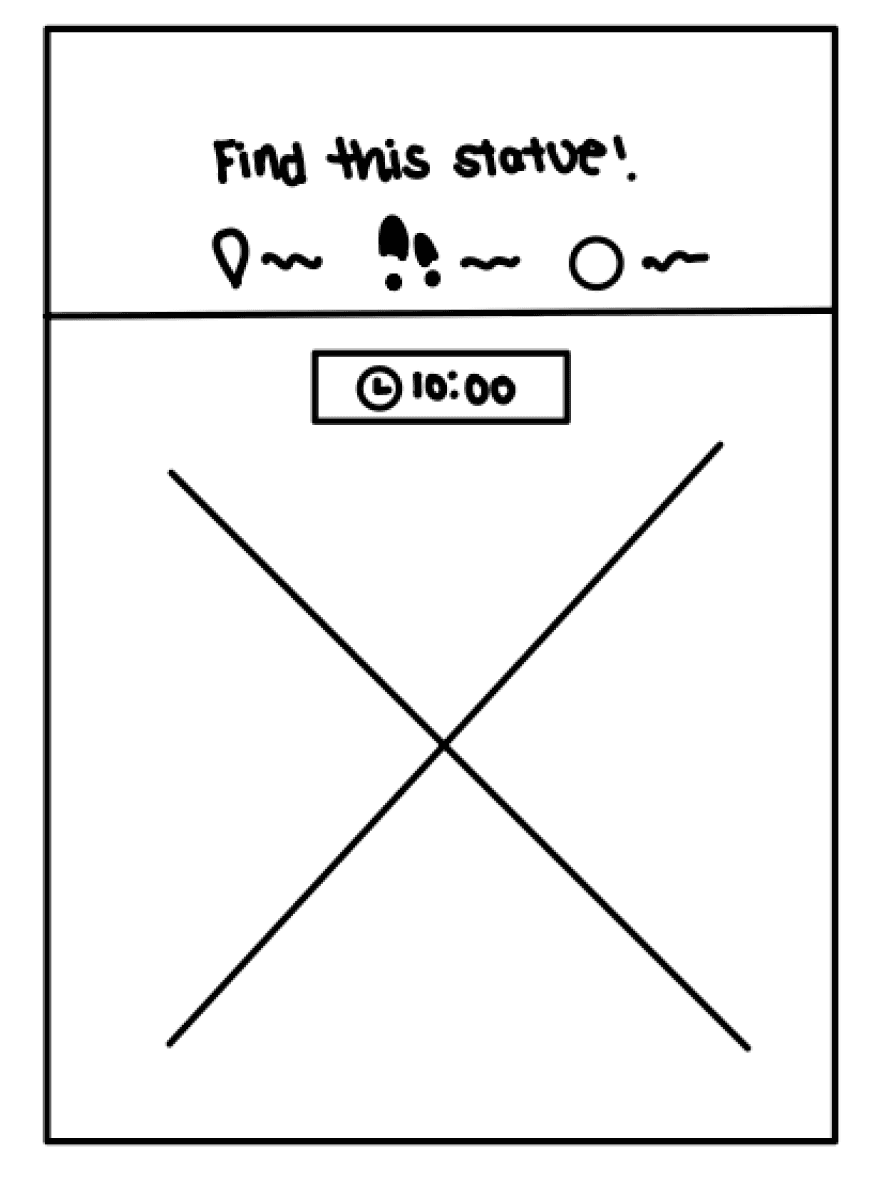
After getting inspiration, I created low-fi sketches to envision how the timer could be integrated into the app.
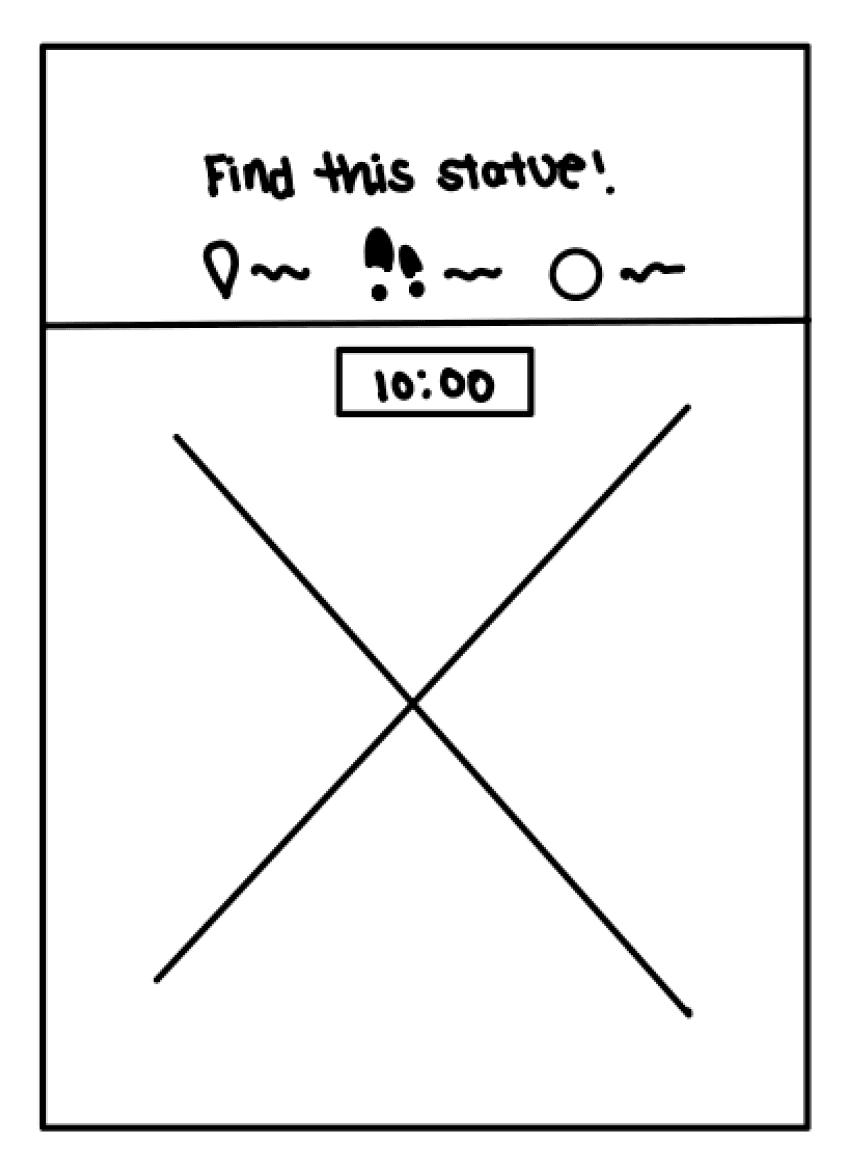
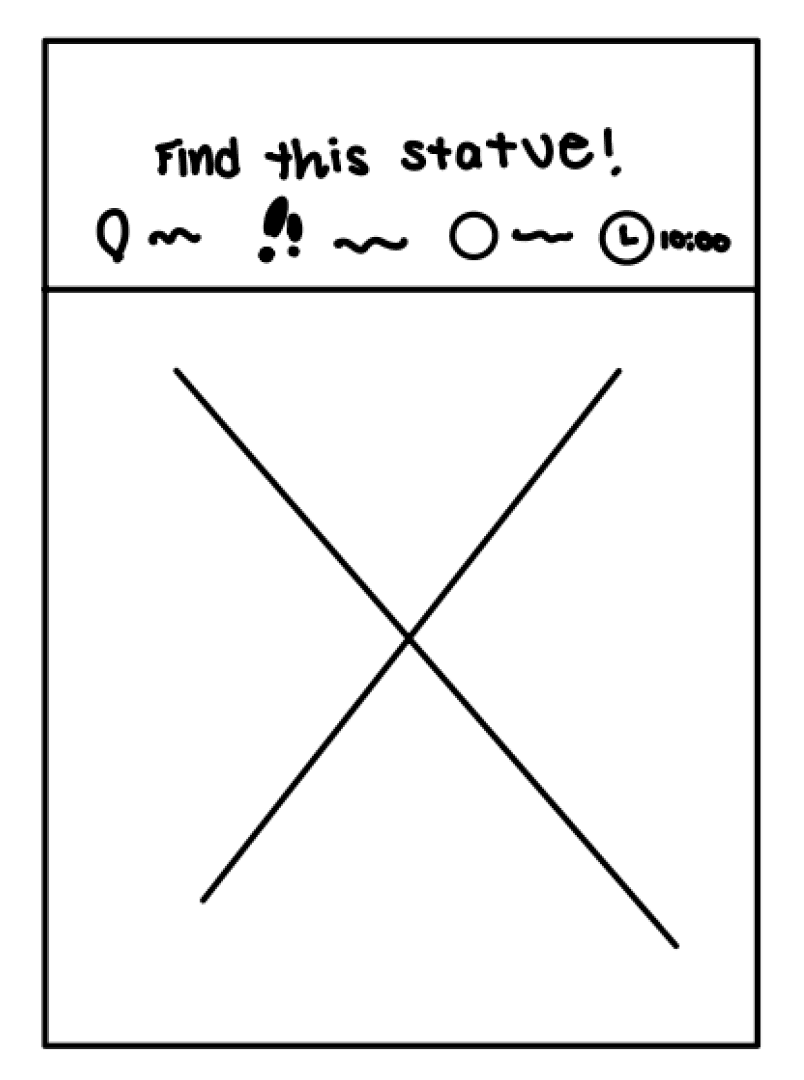
Timer in top header
Cohesive with app’s original design
Hidden
Floating timer
More distinct and visible to users
No timer icon, which limits visual aid
Floating timer w/ icon
More distinct and visible to users
Clock icon helps with visualize
how much time is left
Design iterations
Creating the Mid-Fis
I first visualized what the gameplay could look like when a user uses up all their time.
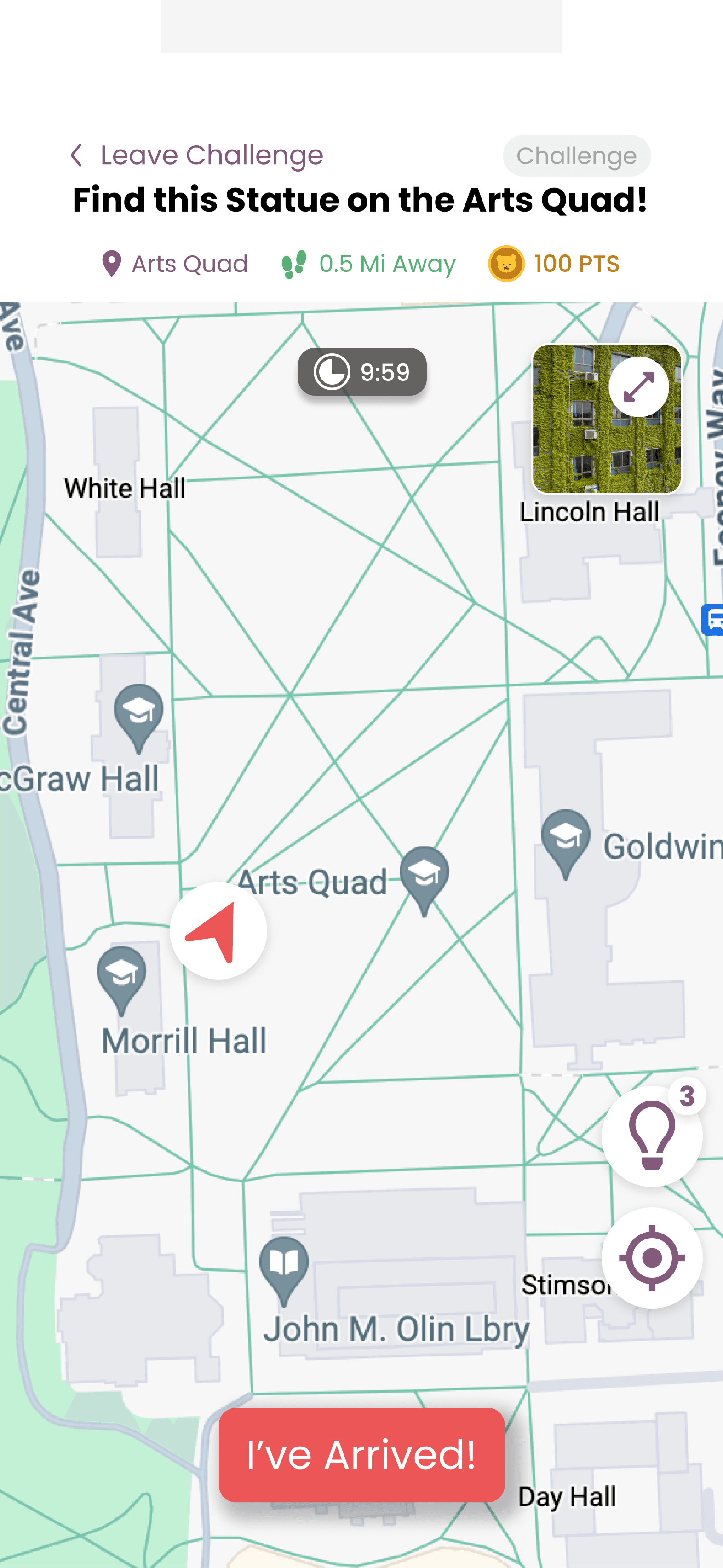
Timer starts countdown
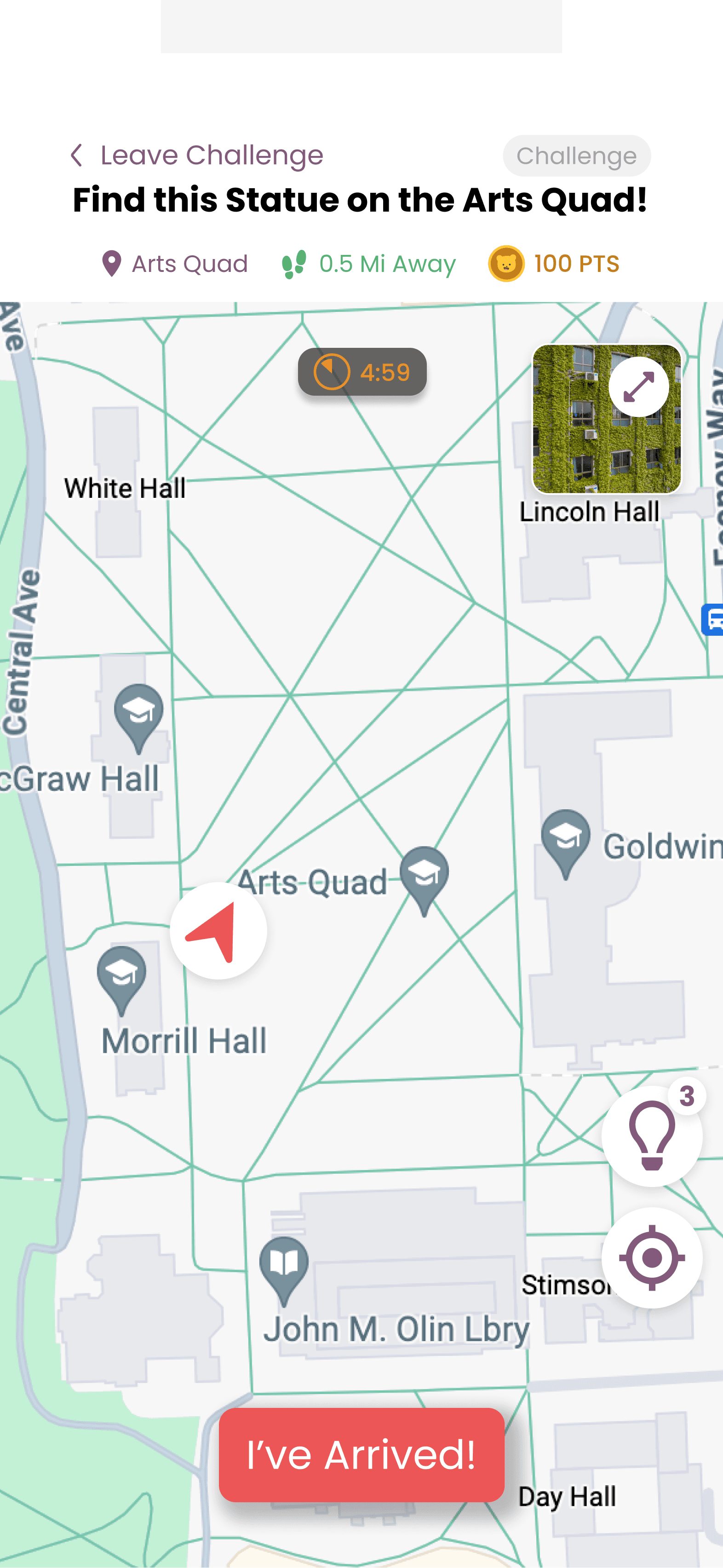
5 minutes left warning
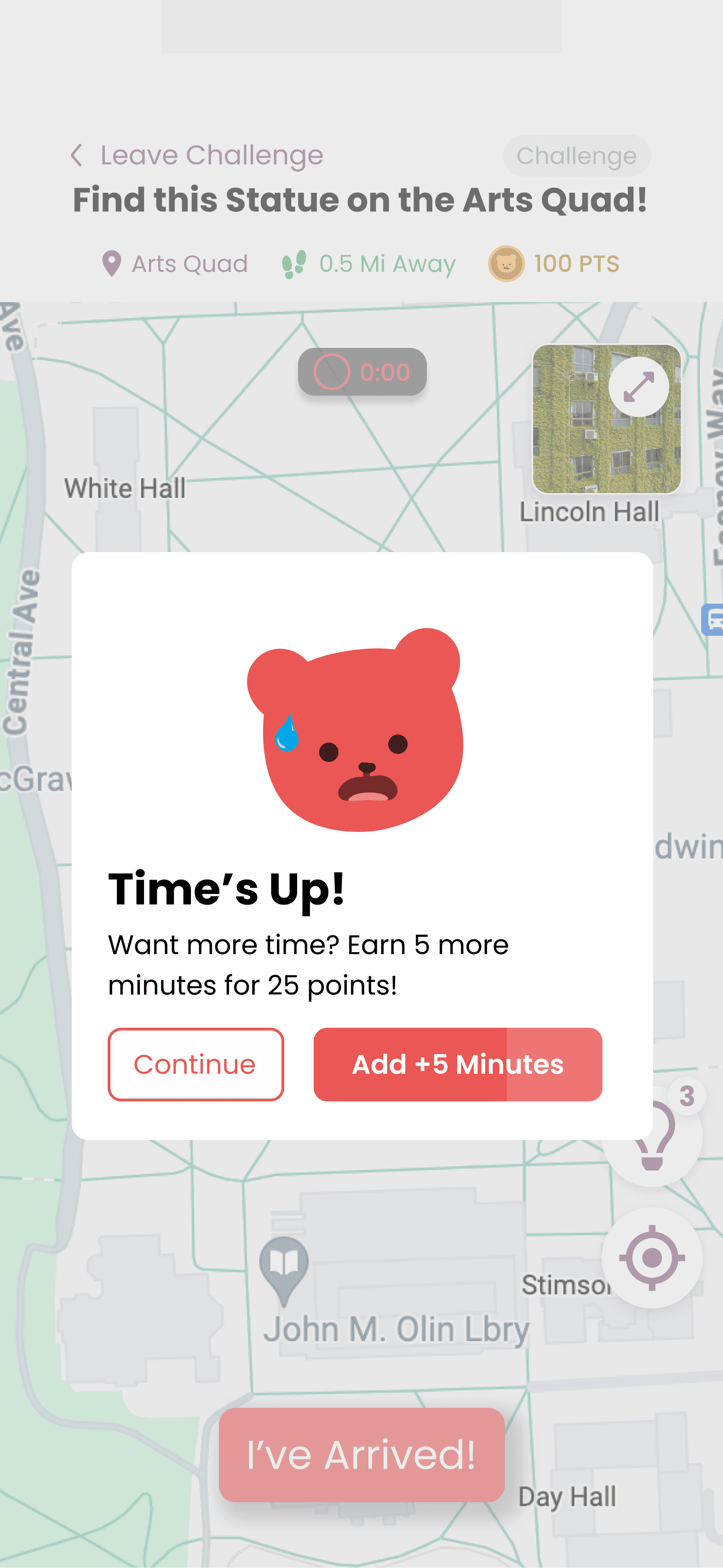
User runs out of time
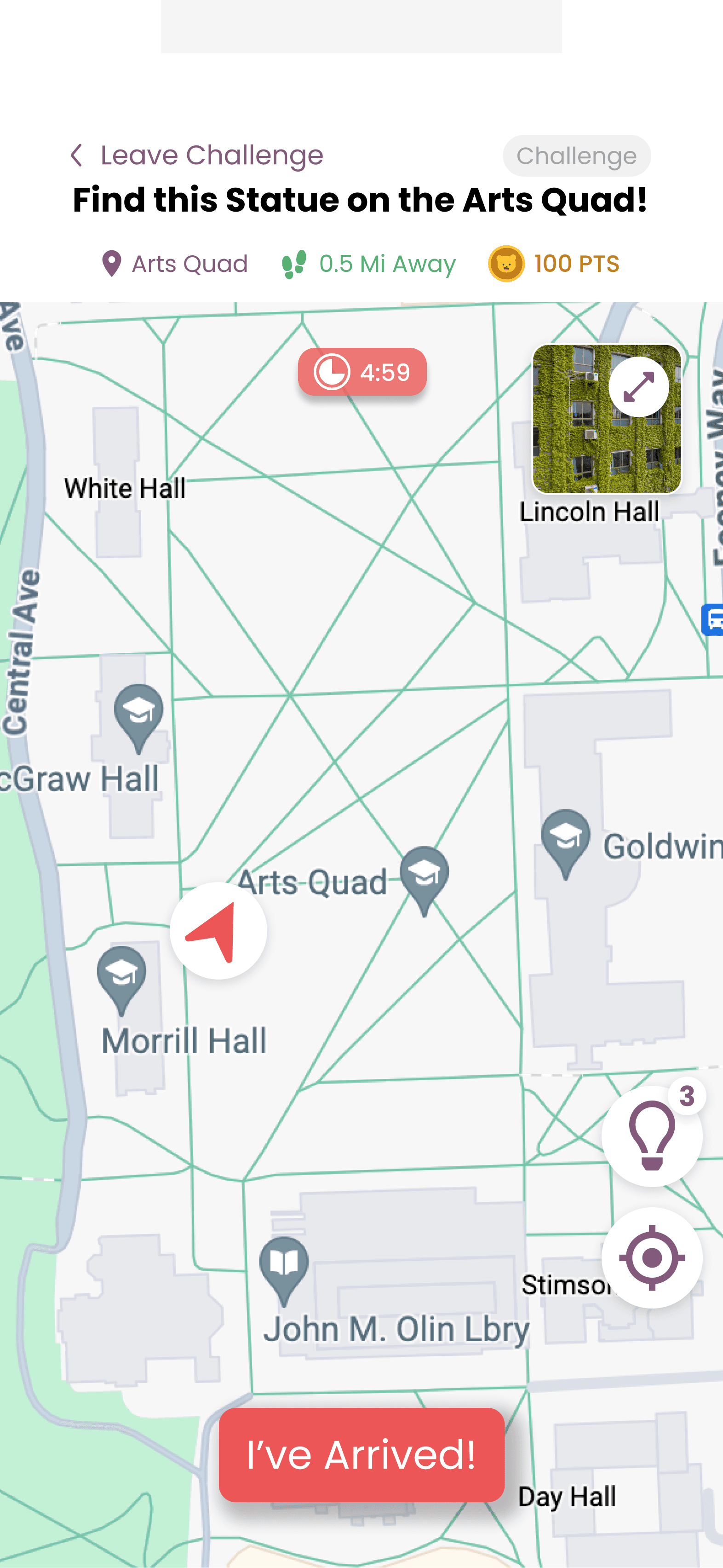
Bonus time
I shared my initial design during a critique session and got helpful feedback. The timer placement and the option to add time for points were well-received, but the team also raised a few important questions:
“What’s the purpose of the timer turning orange? Could there be a more effective way to alert users that time is running out?”
“What’s the primary call-to-action? Are we encouraging users to buy more time?”
“What happens if a player fails to complete the challenge even after adding extra time? Should they start over or skip to the next challenge?”
With these questions in mind, I decided to explore mobile gameplay more deeply. I turned to one of the top-grossing mobile game franchises in the US app stores, Candy Crush Saga.
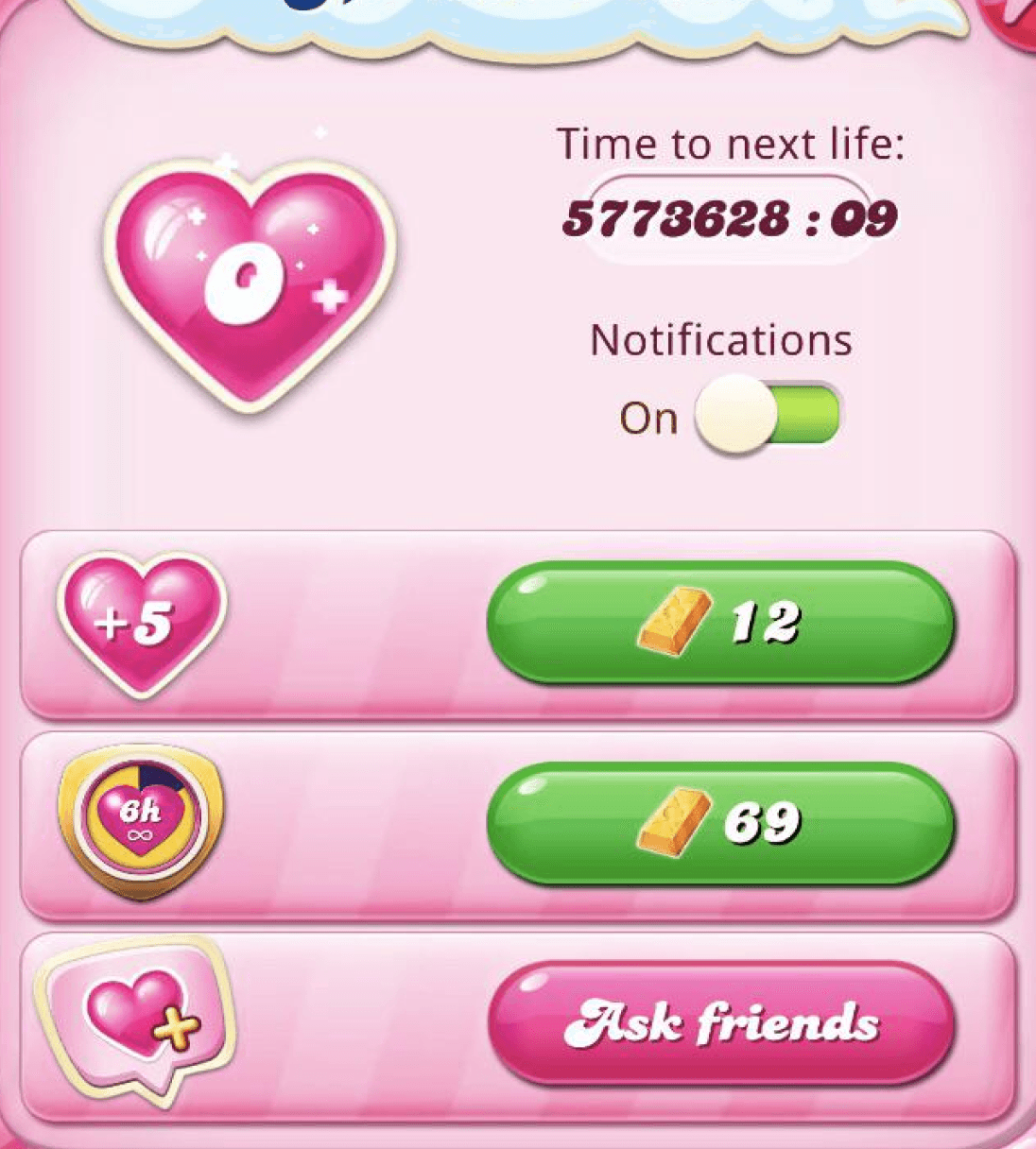
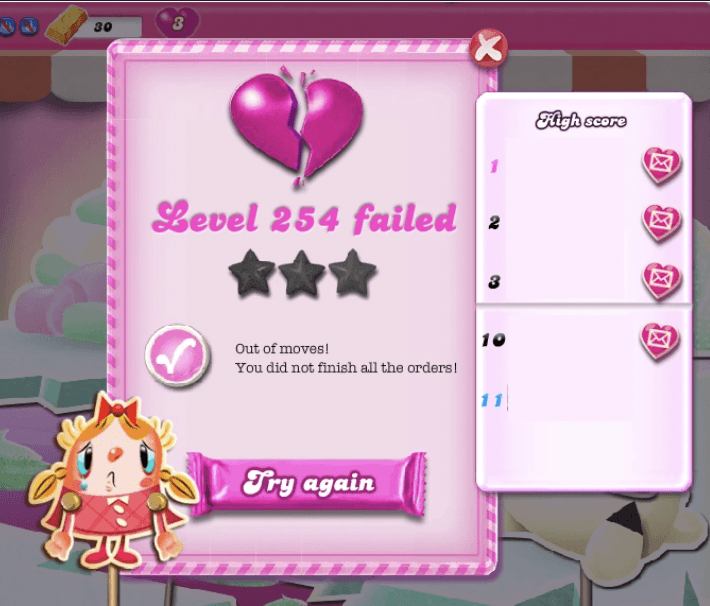
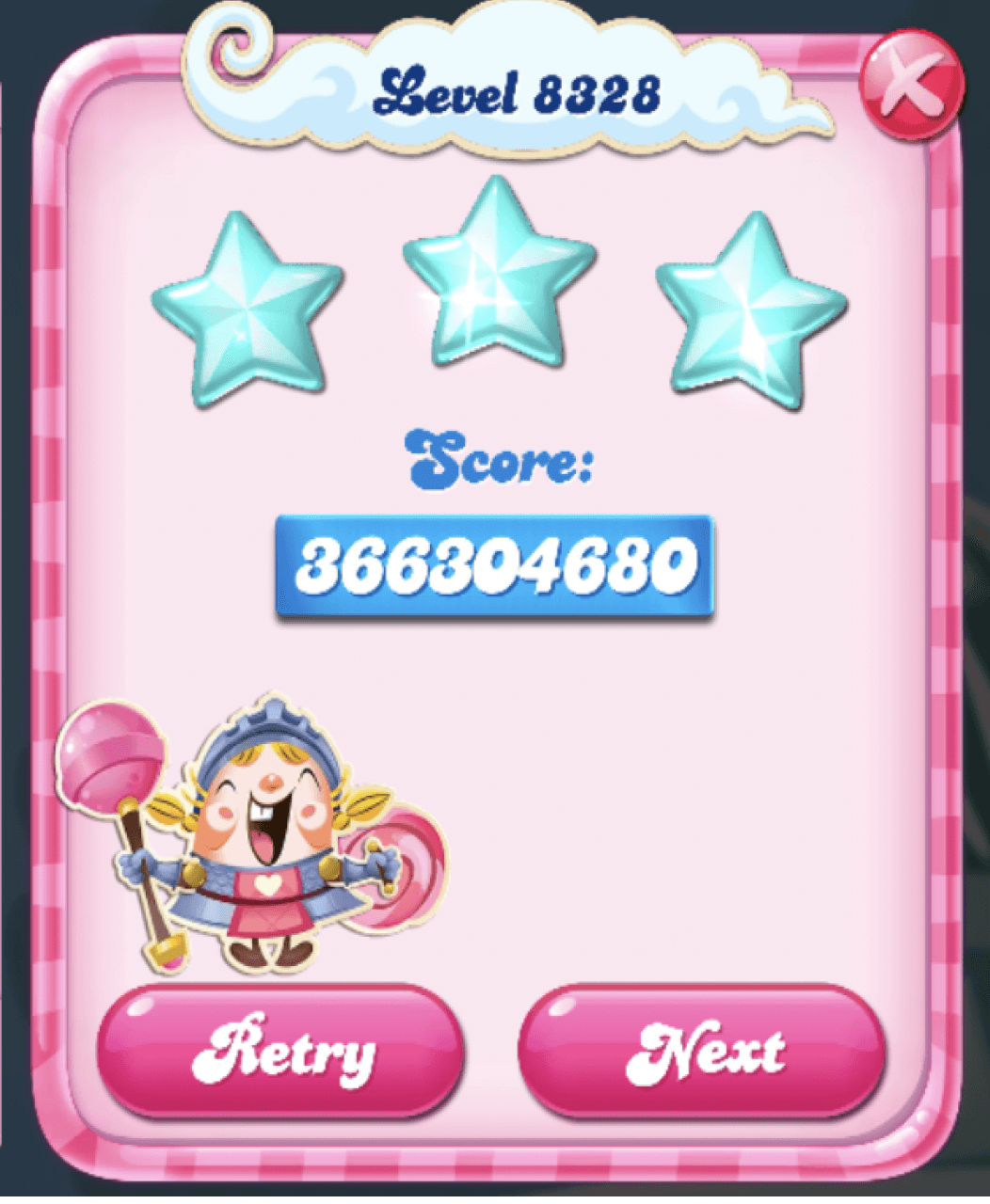
If users performed well, they earned three stars and a higher score. If they failed, they received no stars and had to retry, which cost a life. Lives refreshed over time or could be purchased with in-game currency.
So, I created 2 user flows:
Flow 2
User runs out of time
User chooses to buy extra time
Challenge completed
Some points lost but earns points for completing challenge
Flow 1
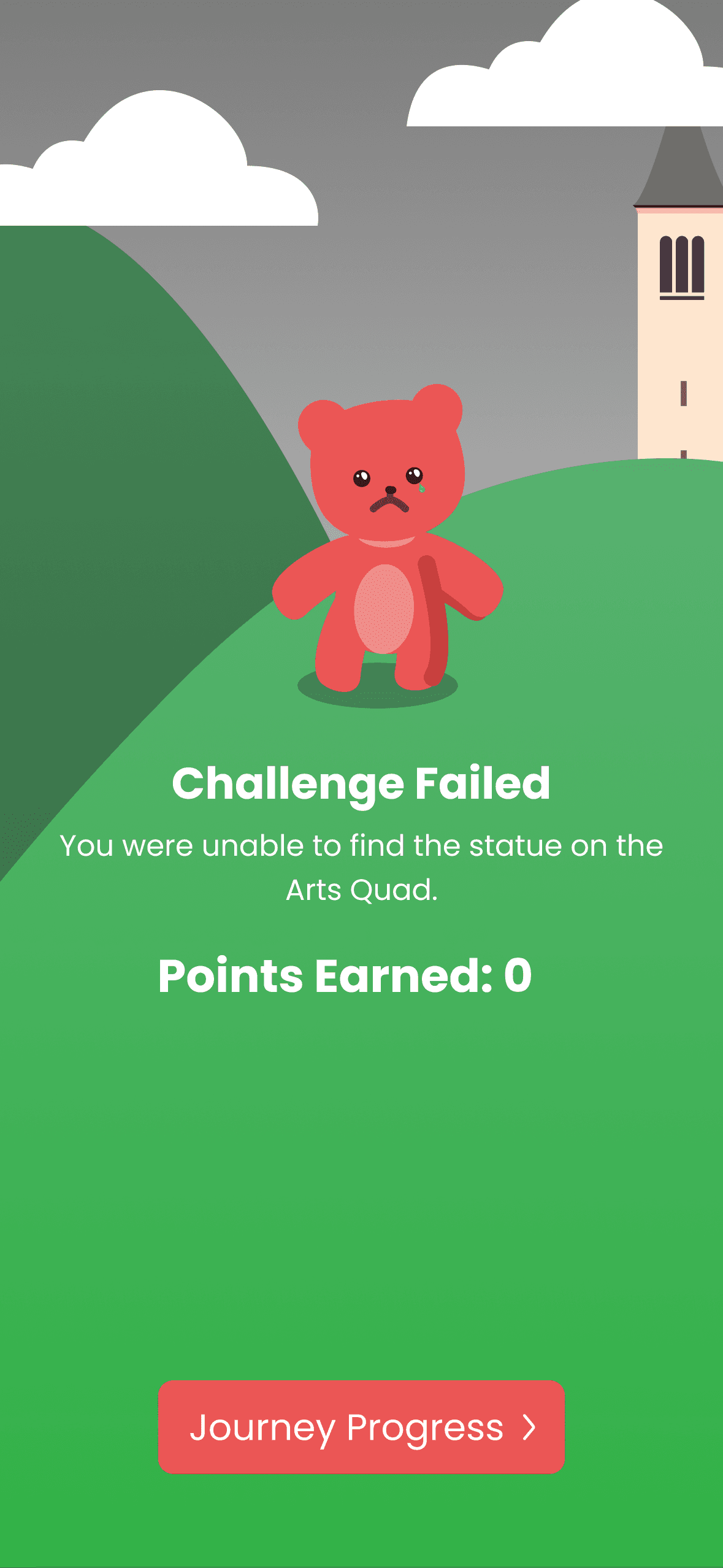
User runs out of time
Chooses not to buy extra time/is unable to buy extra time
Challenge failed
Earns 0 points
And created result screens for both flows:
Flow 1
Failed Challenge
Flow 2
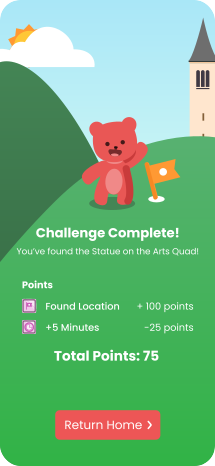
Completed Challenge
Final prototype
With a little more iterating and some finishing touches...
Failed Challenge
Completed Challenge
Enriching the Hunt Through Interactive Learning 💡
PROblem discovery
The current user journey lacks educational engagement at each location. Users simply receive prompts and move to the next challenge without meaningful interaction, missing opportunities to deepen their connection to the experience.
COMPETITOR ANALYSIS
How Competitors Are Doing It
Exploring how Kahoot!, Duolingo, and Trivia Crack are enhancing user engagement through interactive learning.
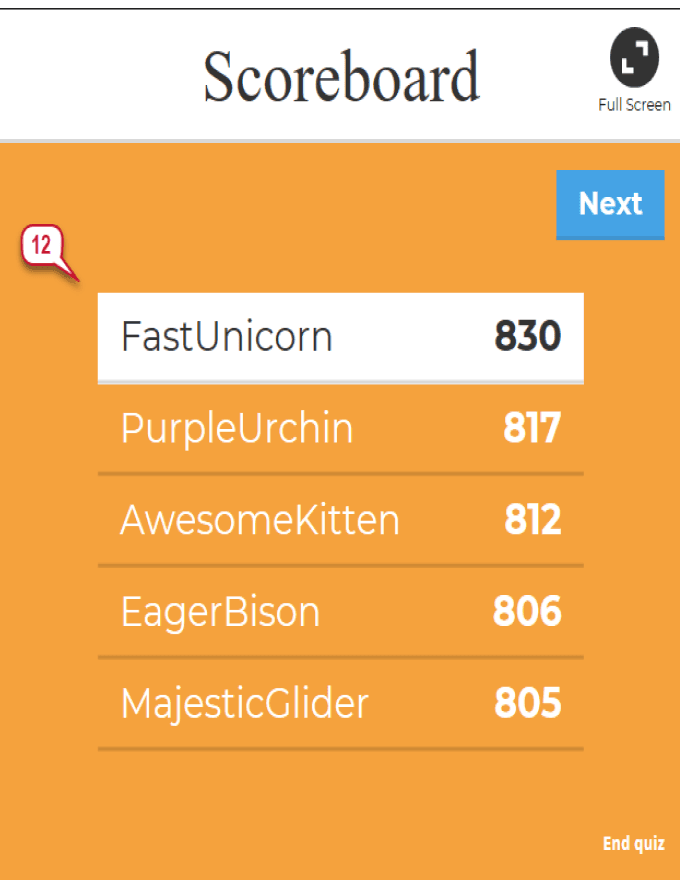
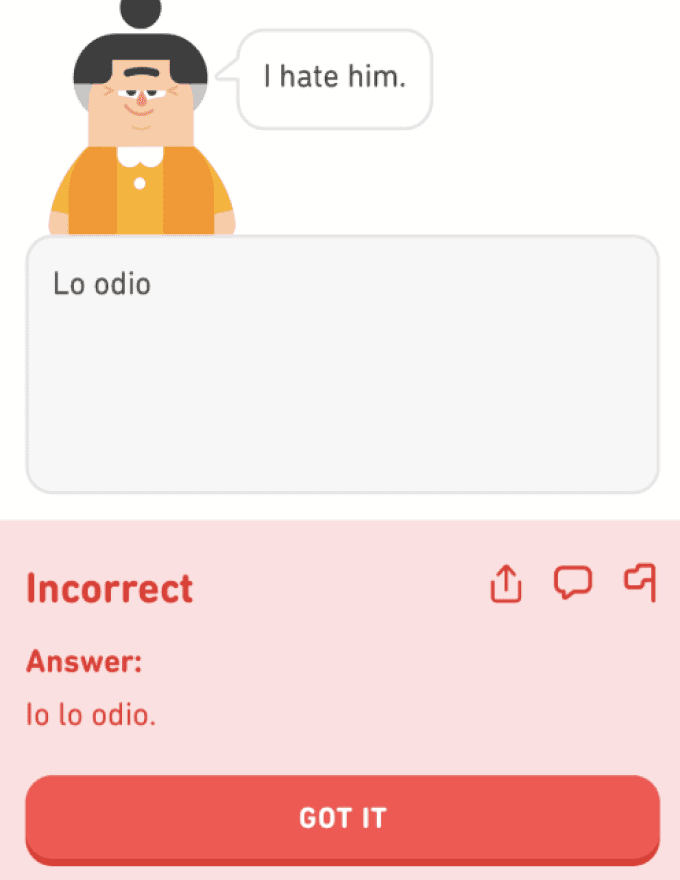
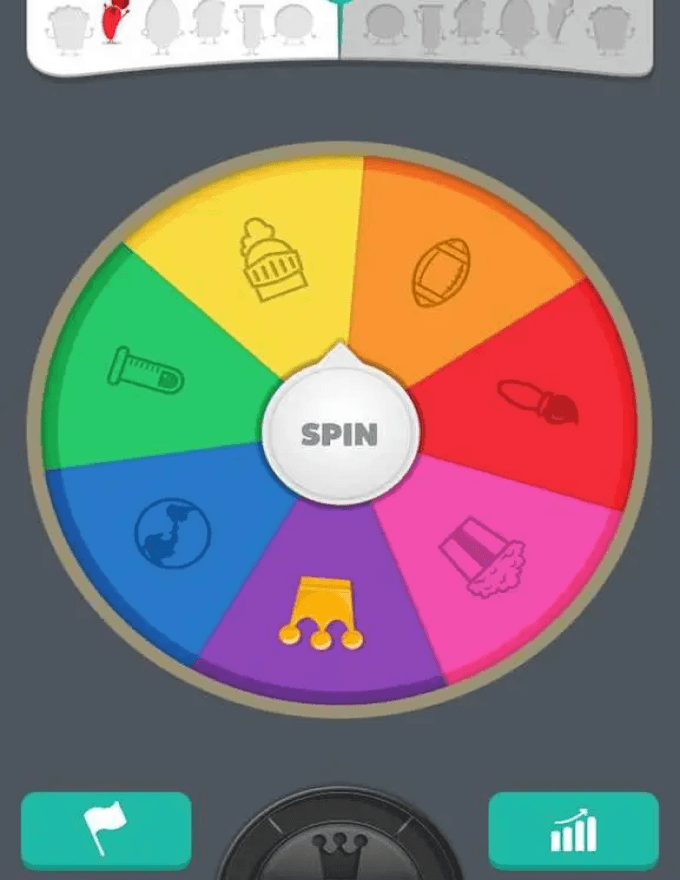
Competitors like Kahoot! boost engagement by awarding points and showcasing rankings on leaderboards, while Duolingo enhances learning by showing correct answers with explanations. Trivia Crack takes it a step further with interactive animations, making the experience both entertaining and educational.
Low-fi explorations
I created low-fidelity sketches to develop my feature ideation, drawing on competitor insights to guide visual exploration.
DESIGN ITERATIONS
Choosing a modal upon answering a question correctly:
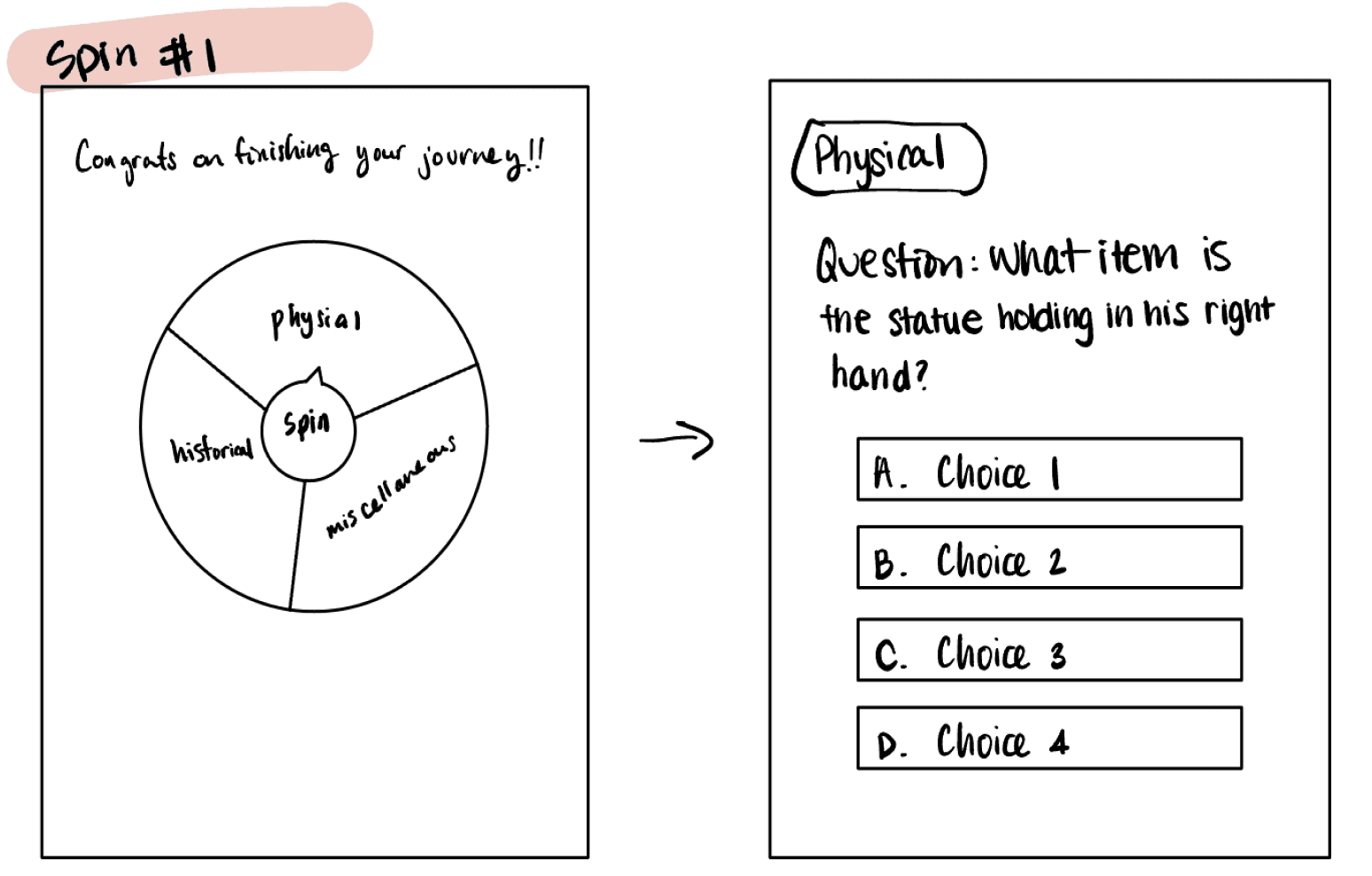
Category Spin
Interactive
Time consuming
Low feasibility
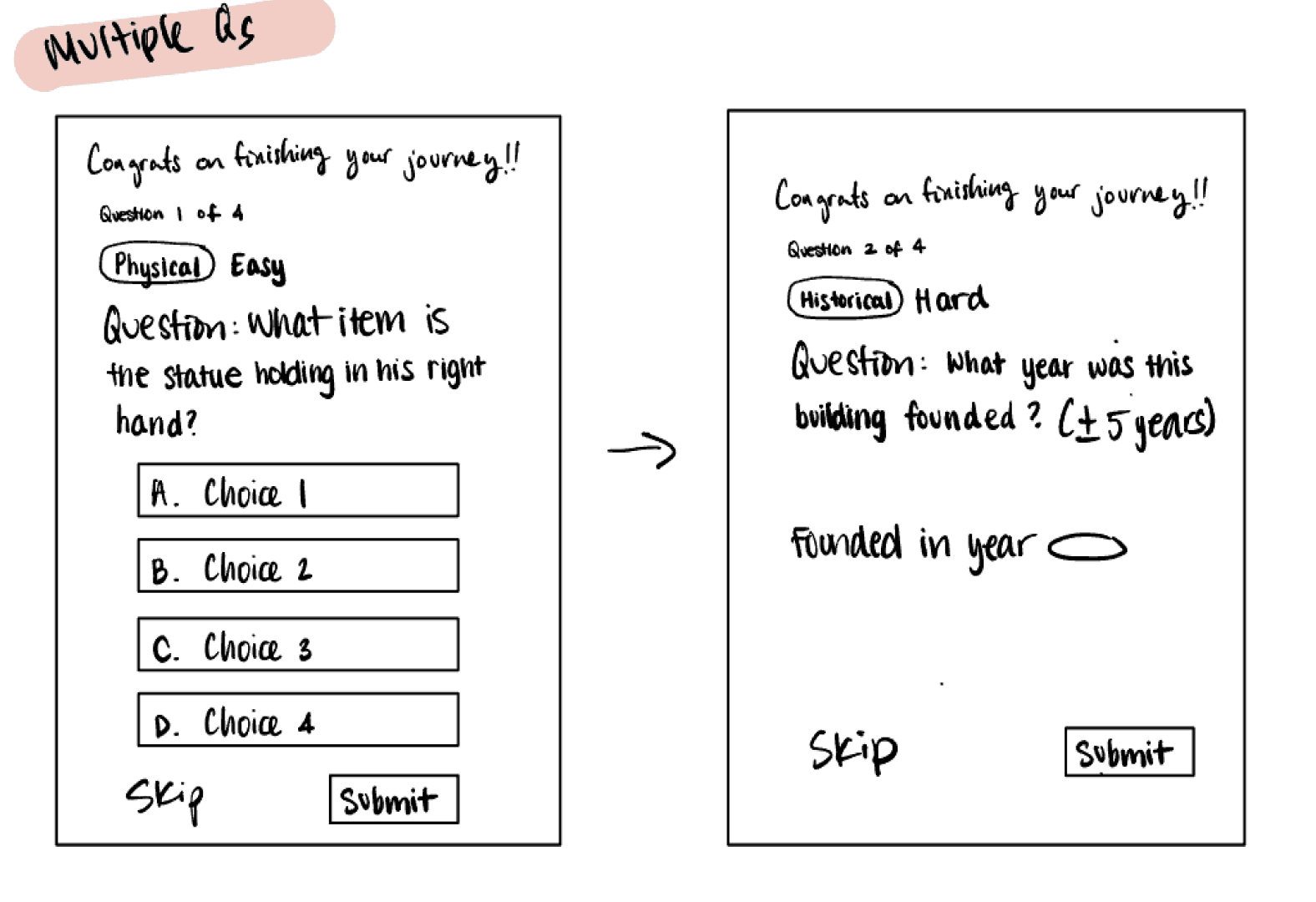
Multi-Input
Skip Questions
Various input types, including multiple choice, short response, and numeric.
Less engaging
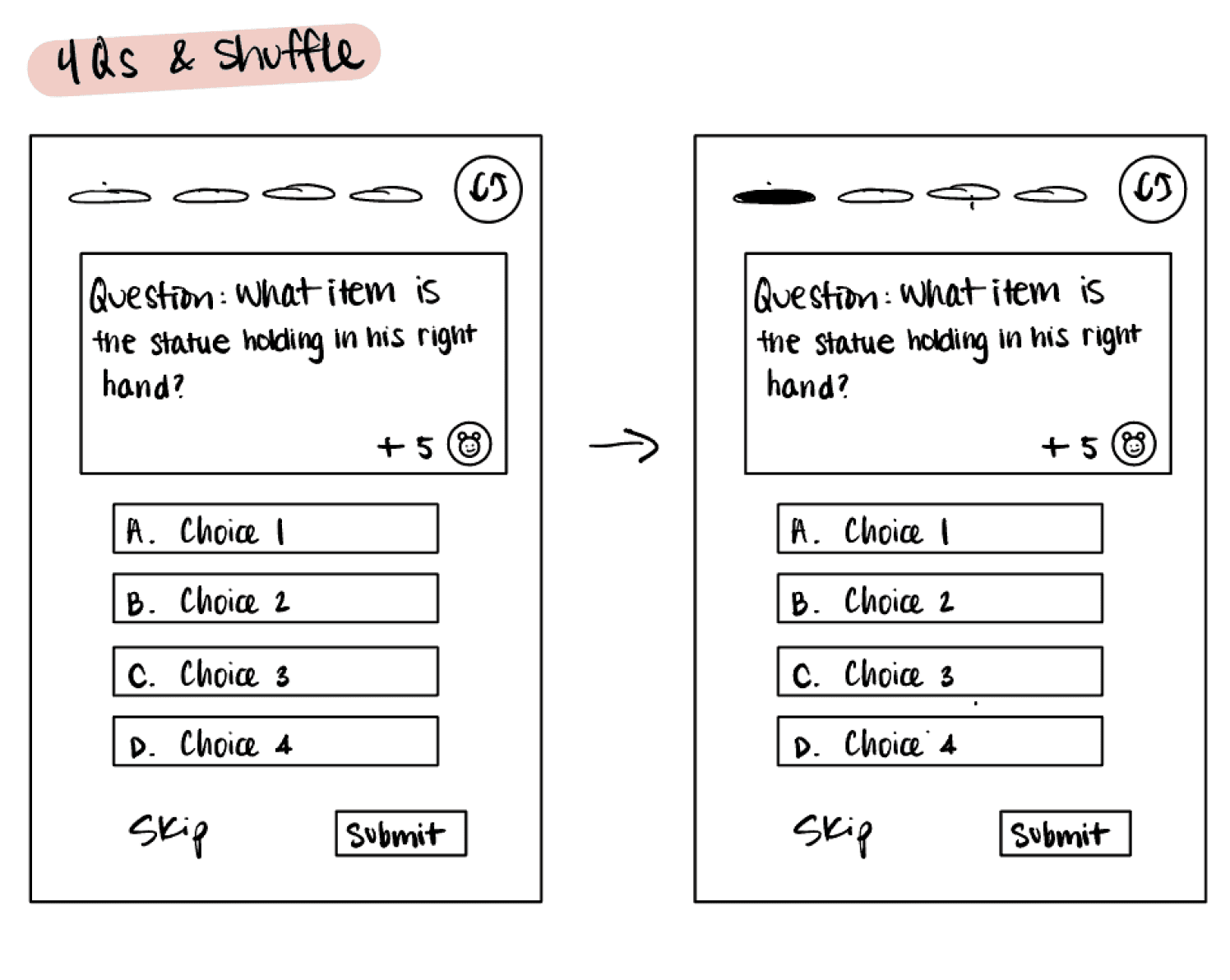
Earning rewards
Shuffle between questions
Indication of rewards
Indication of progress
Multiple questions
Considering feasibility and impact, I moved forward with the quiz feature with earning rewards.
By letting users earn rewards and boost their leaderboard points, which is already a core part of CornellGo’s gamified experience, this approach motivates participation and reinforces the educational value of answering correctly.
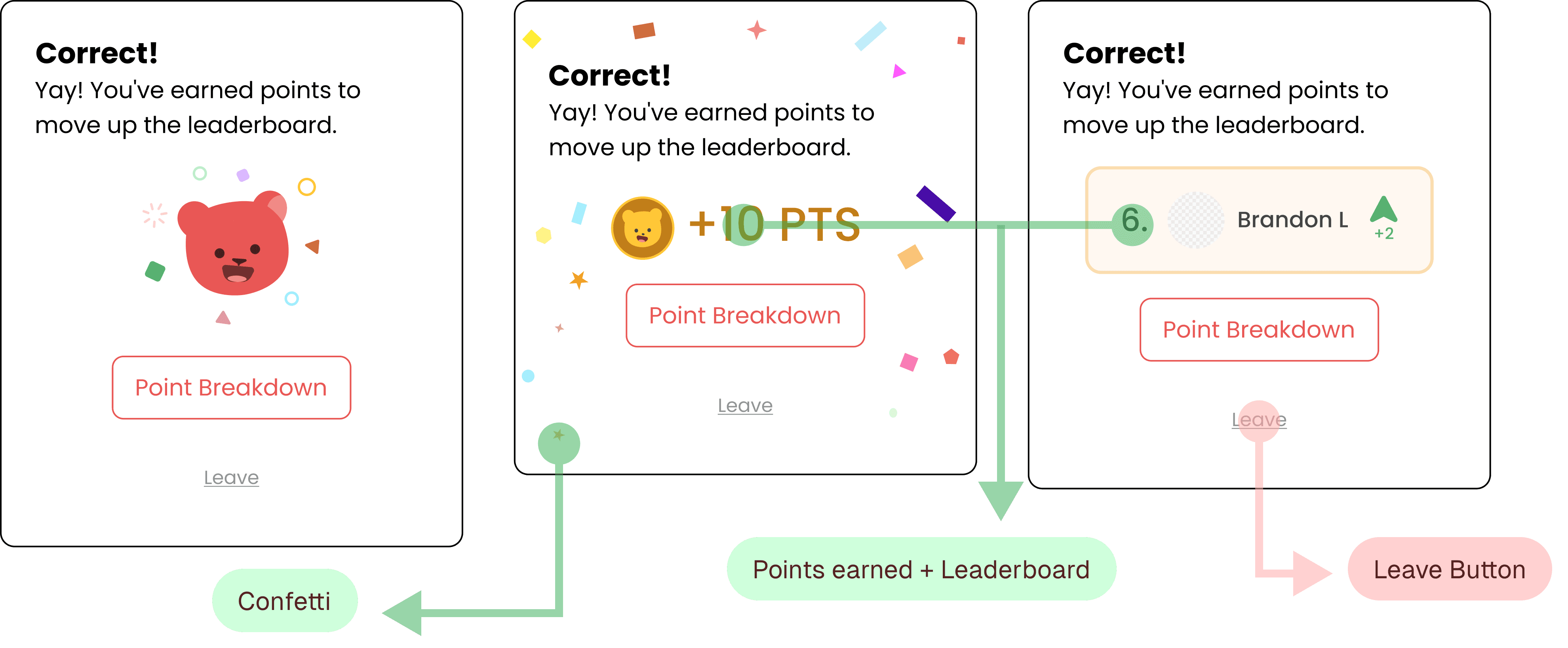
During early exploration, weekly design critiques revealed that peers appreciated the encouraging confetti, points system, and leaderboard progress. A key improvement emerged: repositioning the small, awkwardly placed "leave" button that sat directly under another call-to-action.
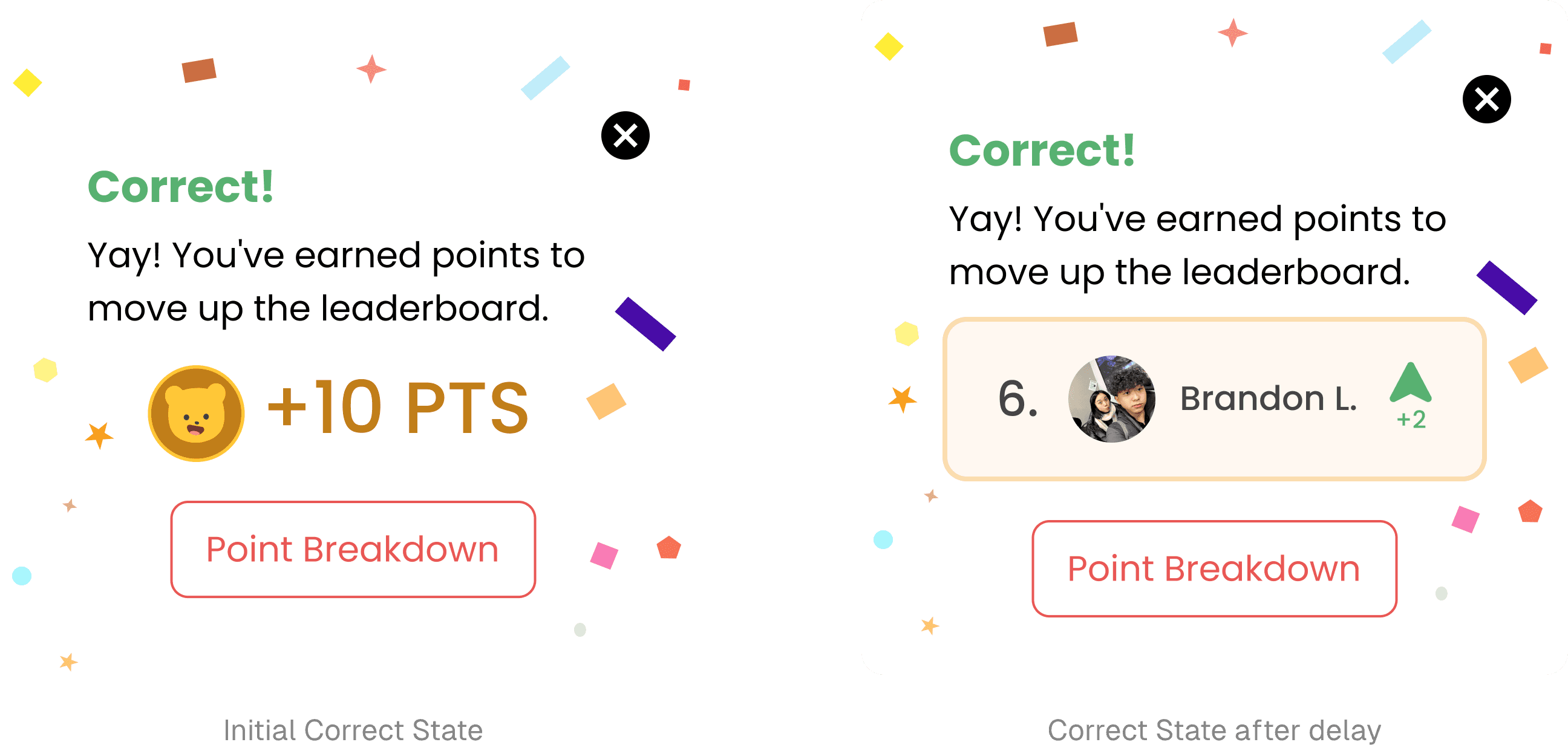
With this insight, I made the following revisions:
Choosing the shuffle button placement:
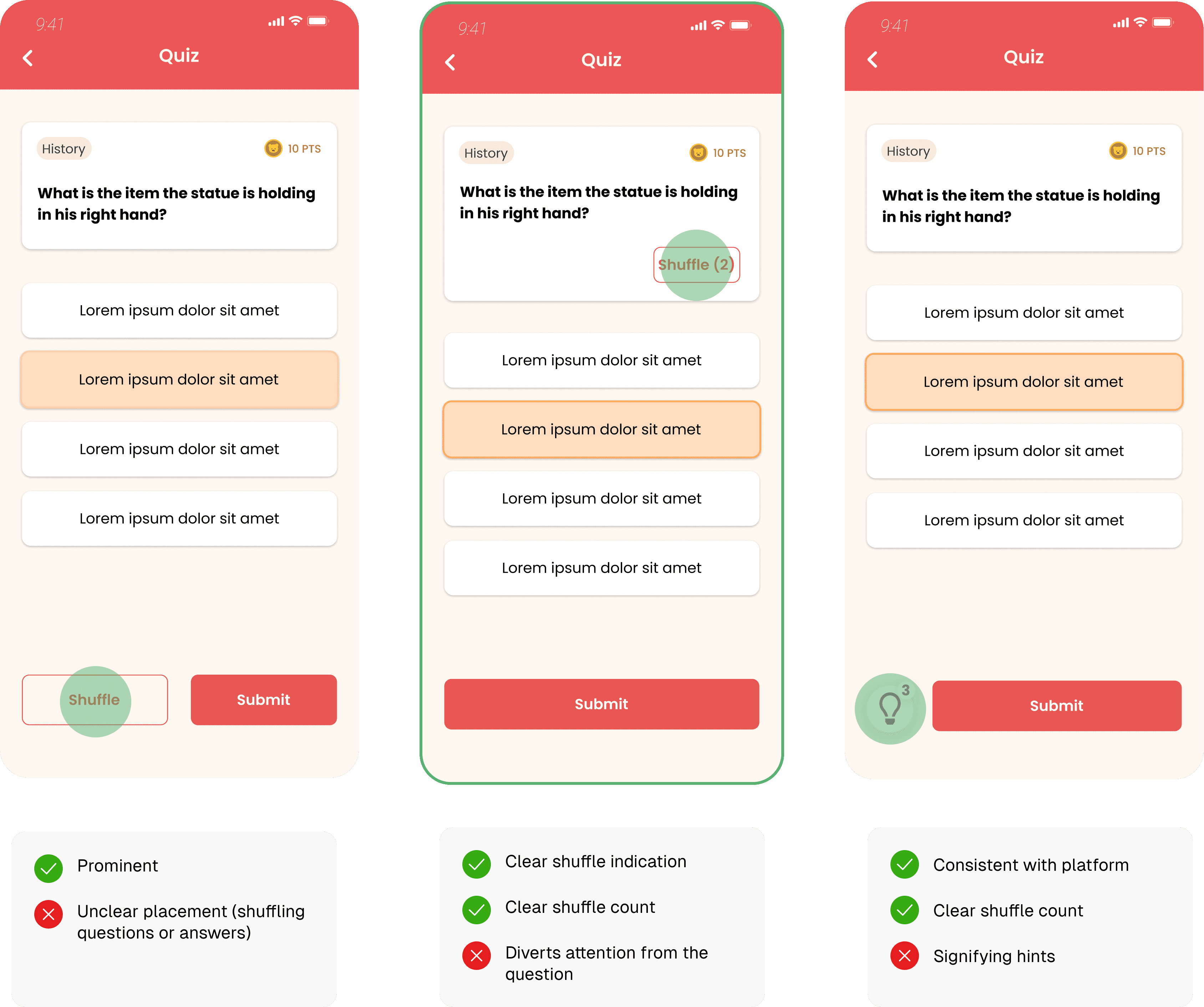
The second iteration was the most intuitive for users because it stayed closest to the question. The other two options created confusion about whether they shuffled the answers or the question, and whether the icon represented a hint or a shuffle.
FINAL PROTOTYPE
Finally, after revisions, introducing CornellGO Quizzes!
Test your knowledge, uncover intriguing facts about the locations you visit, and level up on the leaderboard.
Building the Manager Portal
user research
Understanding the User
To better understand users' needs and goals for this new feature, my team and I conducted interviews with 10 students, focusing on both student organization leaders and general Cornell students.
Central Organization
Places shared via Instagram or chats lack centralized organization for revisiting.
Event Planning
Users need locations for planning events and calculating routes to save time.
Customization
Users want templates, photo uploads, and location recommendations.
From these interviews, we gathered 3 key user insights:
creating the user persona
Meet Katherine, a Cornell freshman and active CornellGO user.
🤲
Core Needs
Wants to see other people’s recommendations
Explore new places on Cornell’s campus
🤕
Painpoints
Lack of motivation to explore new places
No comprehensive instructions to find the ideal locations
Here’s what the manager portal user flow looks like for users like Katherine:
User logs into CornellGo
User browses through templates but no ideal template found
User decides to create a journey themself
Select location for 1st challenge
User reviews and publishes the journey & shares w/ friends or community
User can change order of challenges
User adds another challenge
User customizes the challenge details
low-fi explorations
Working as a team of 3 designers, we each created low-fidelity sketches to illustrate our individual visions for the manager portal's design.

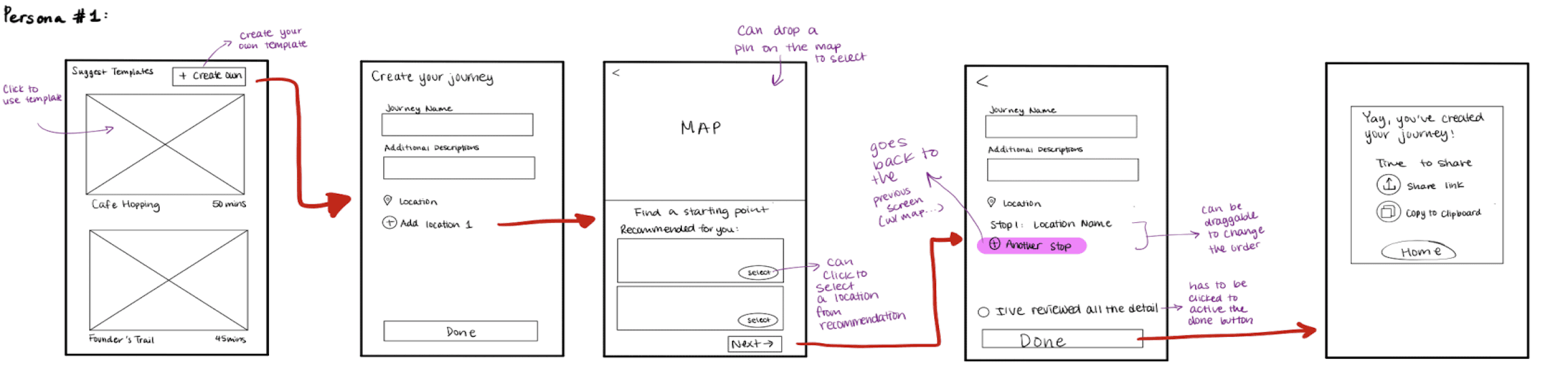
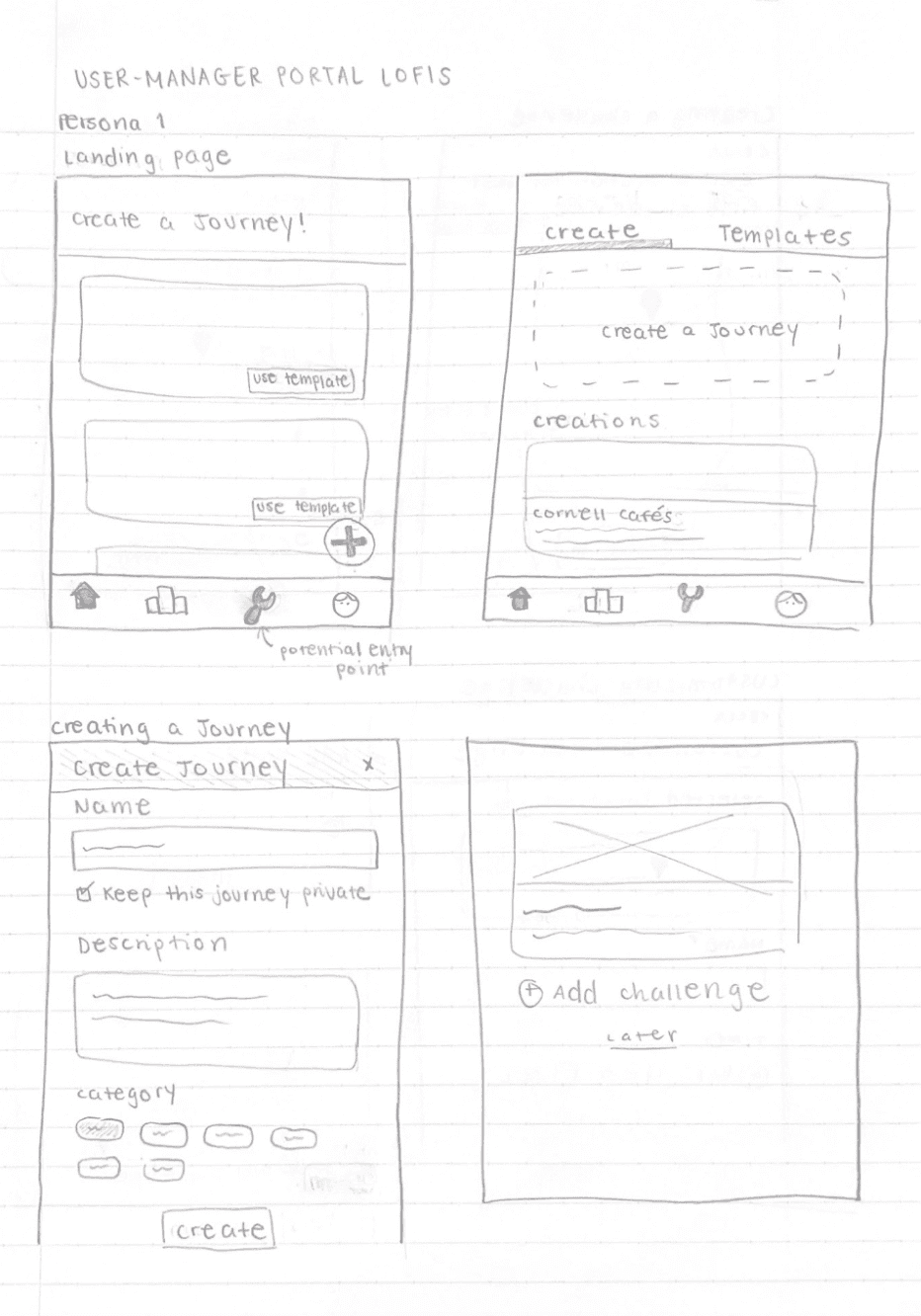
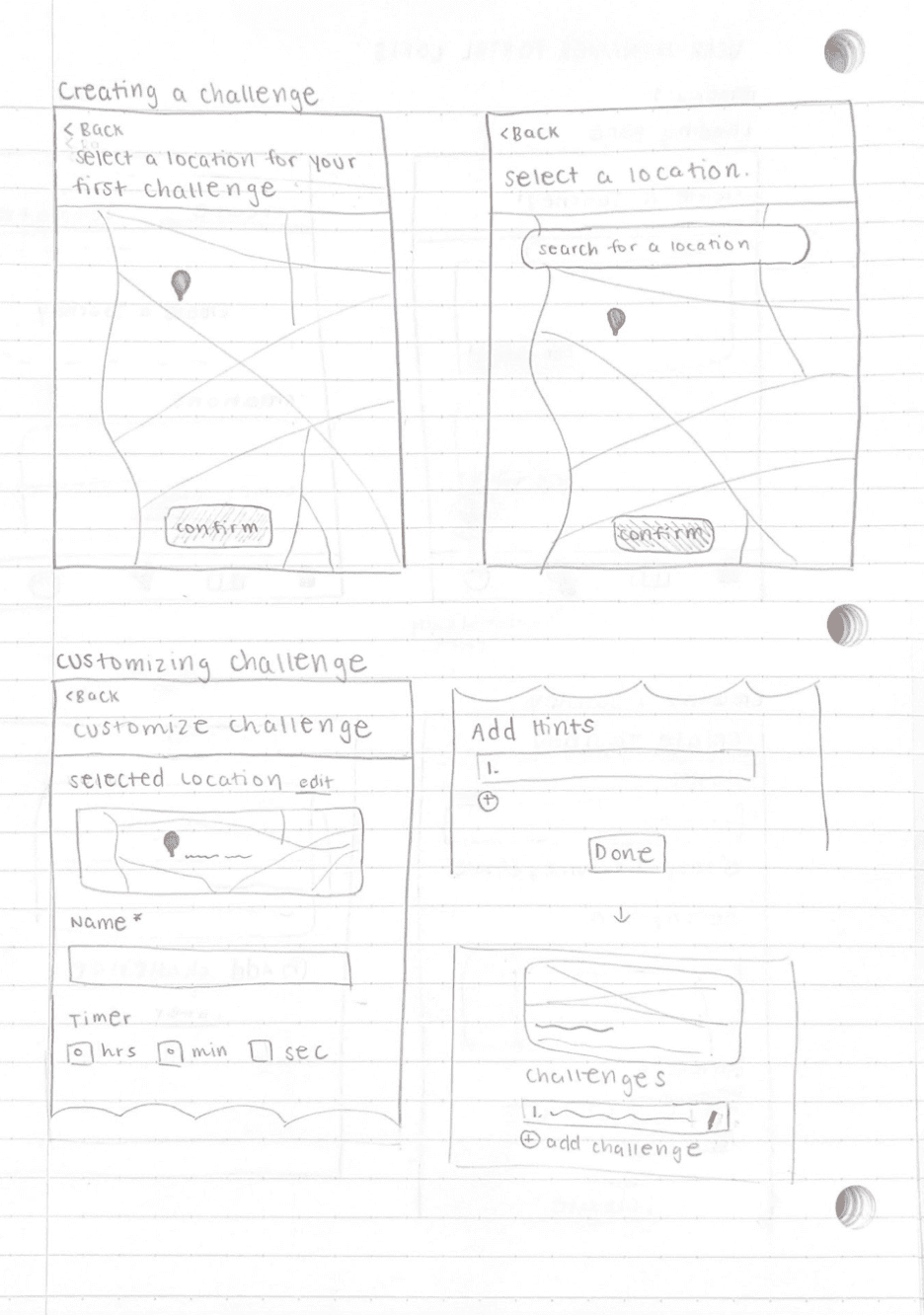
We identified commonalities across our sketches, such as including a map for location selection and event details customization, and merged our low-fidelity designs to create a cohesive version.
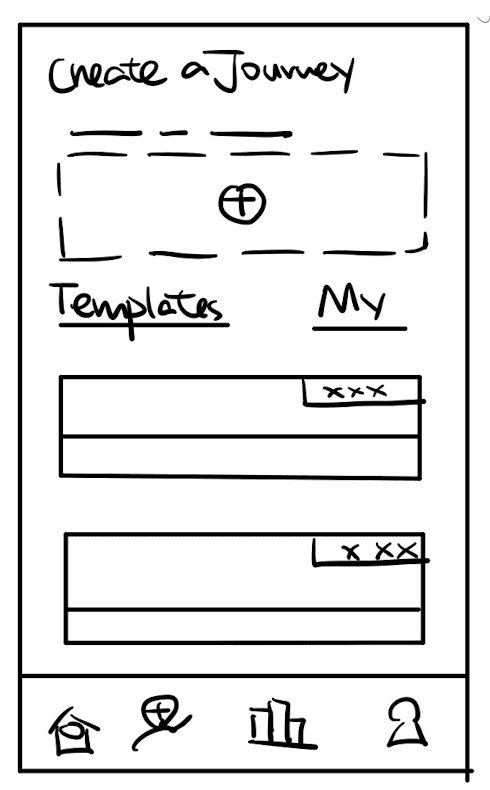
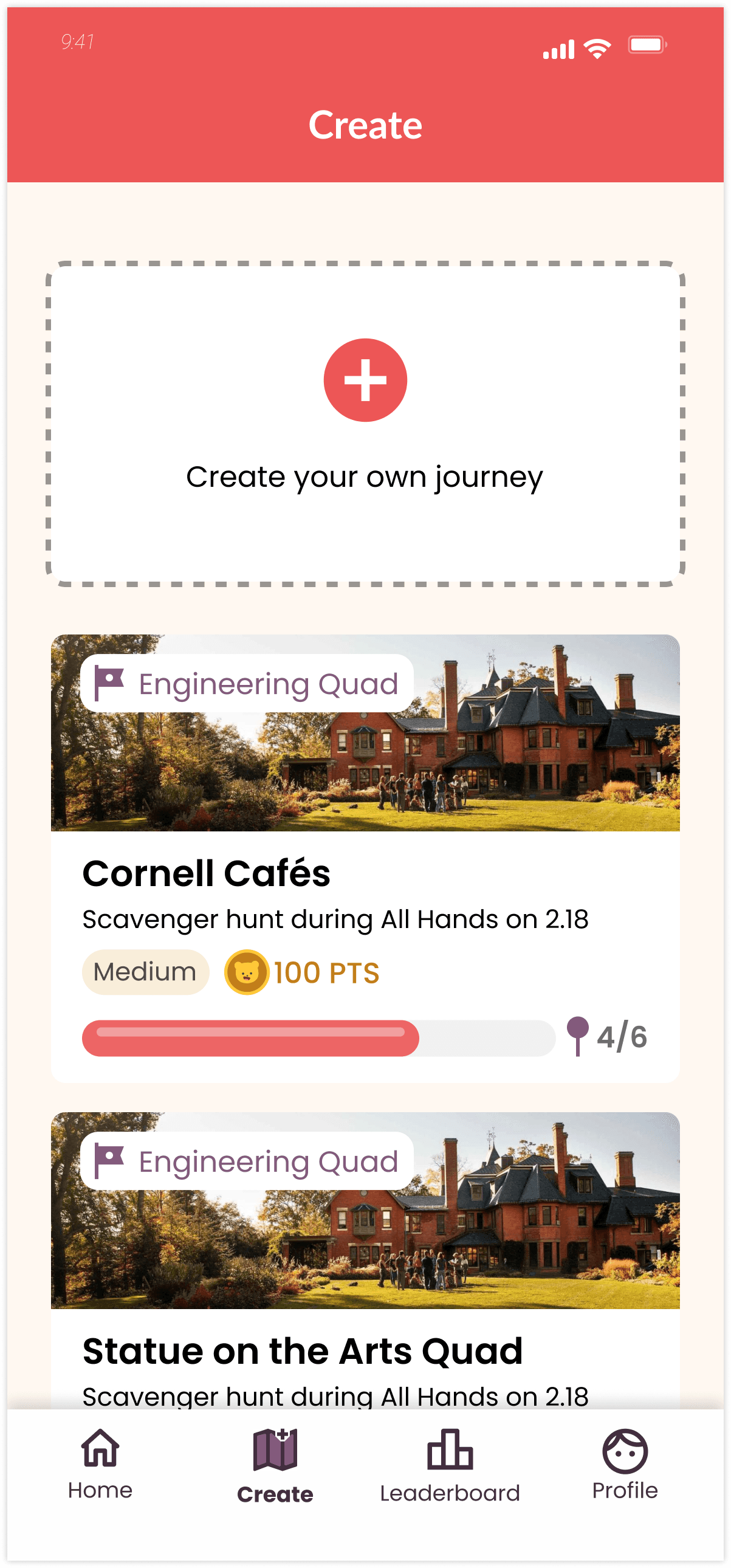
Landing Page
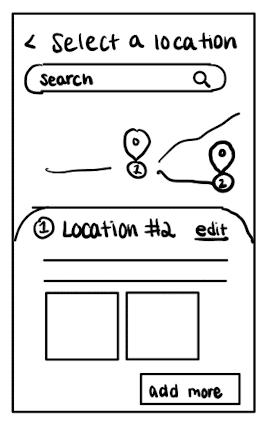
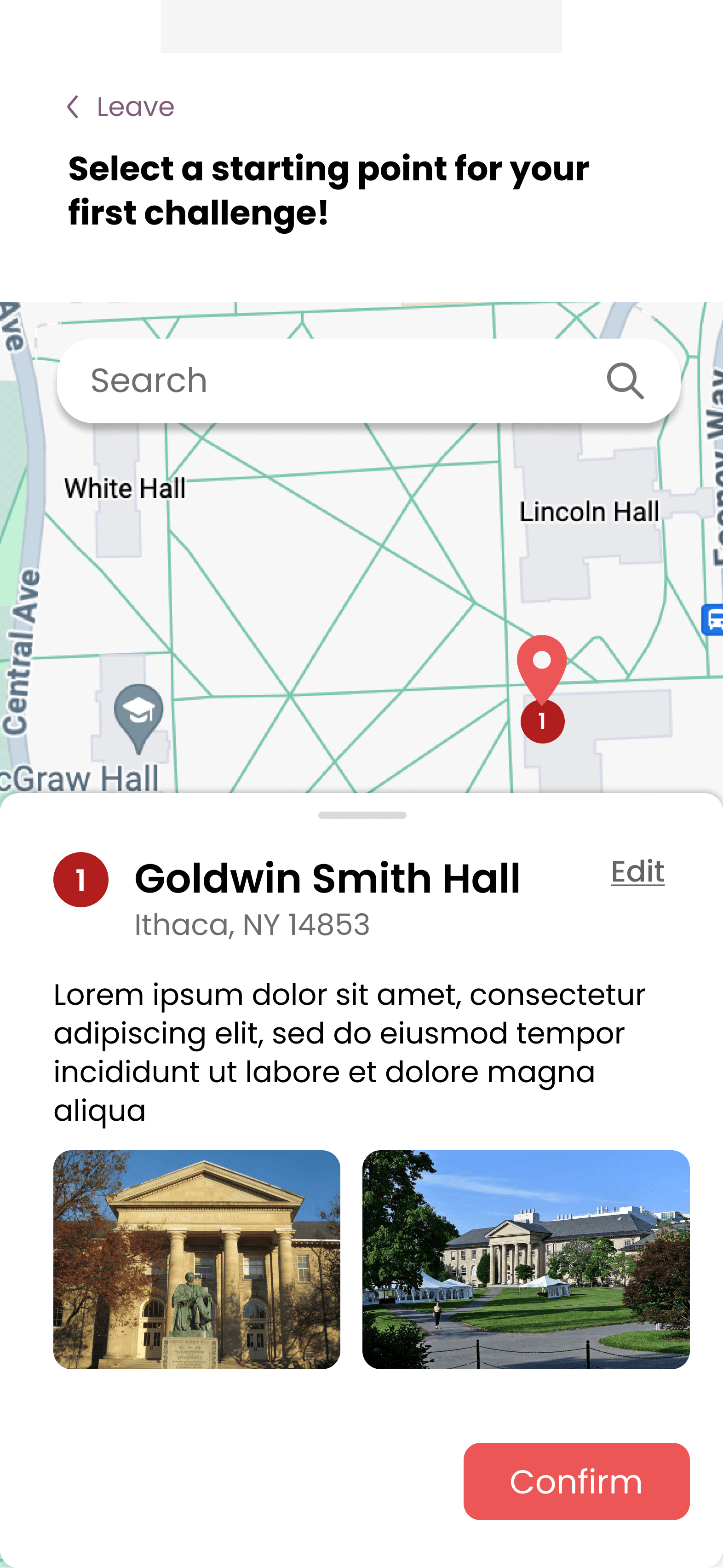
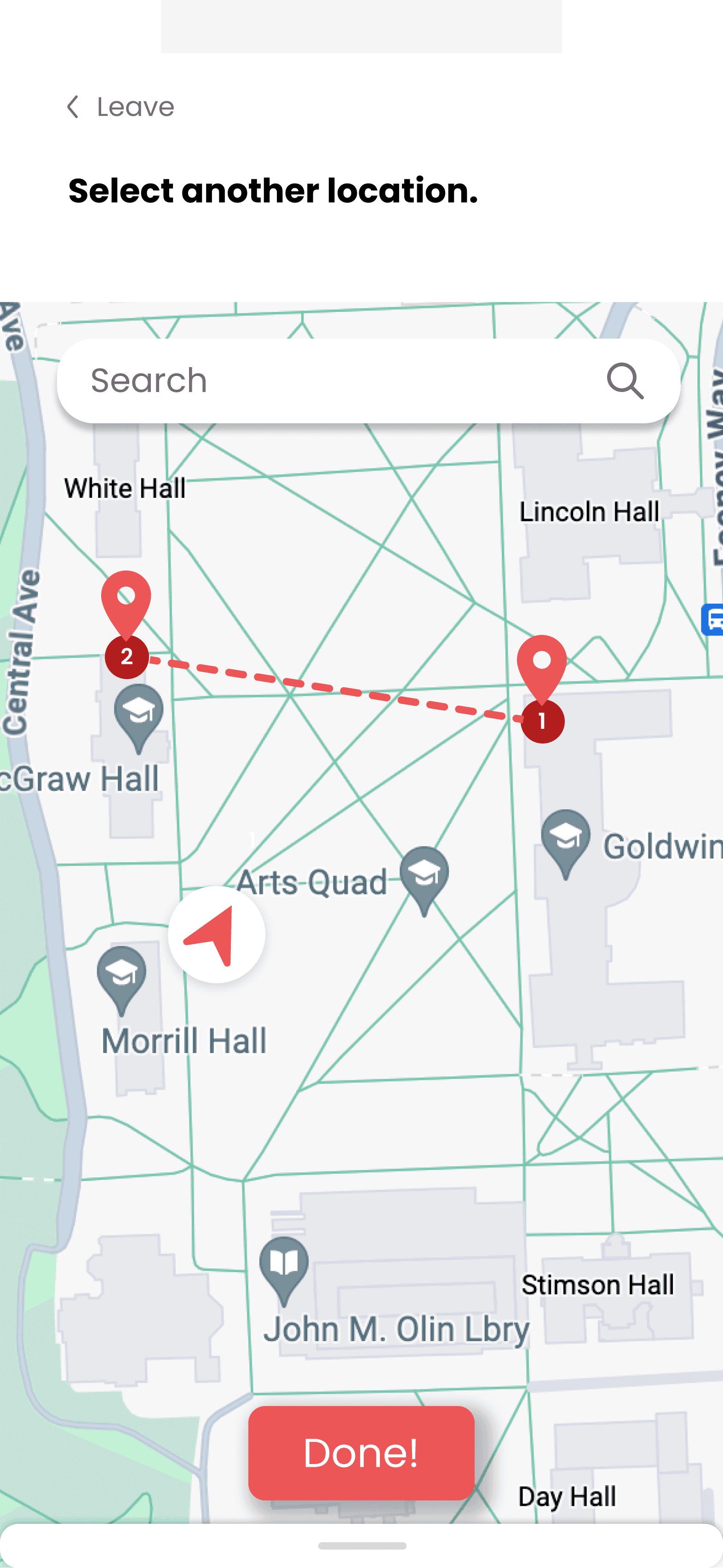
Location Selection
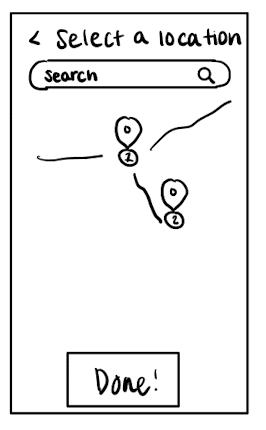
Finish Selections
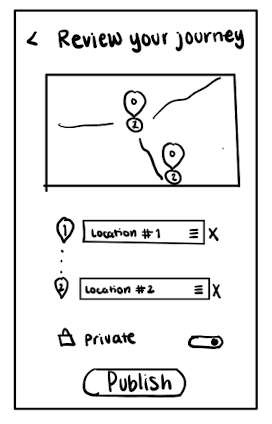
Review & Publish
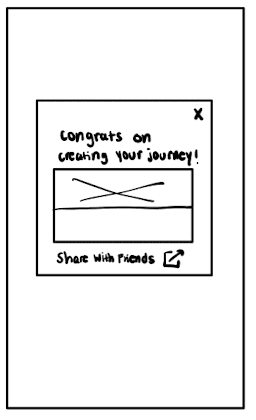
Invite
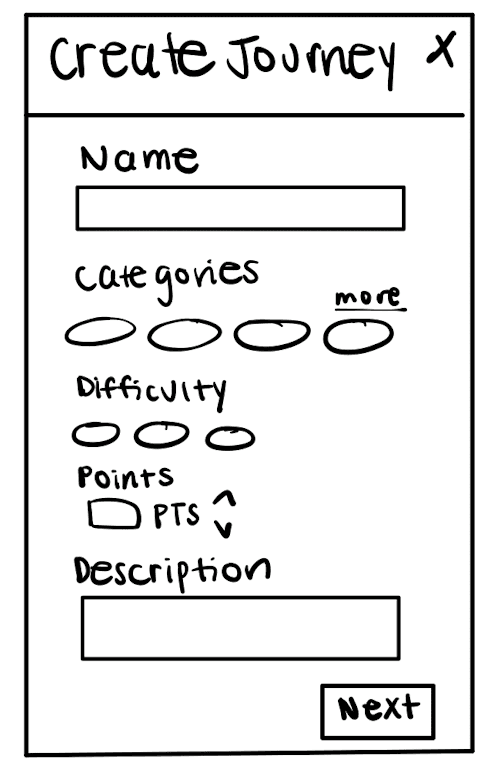
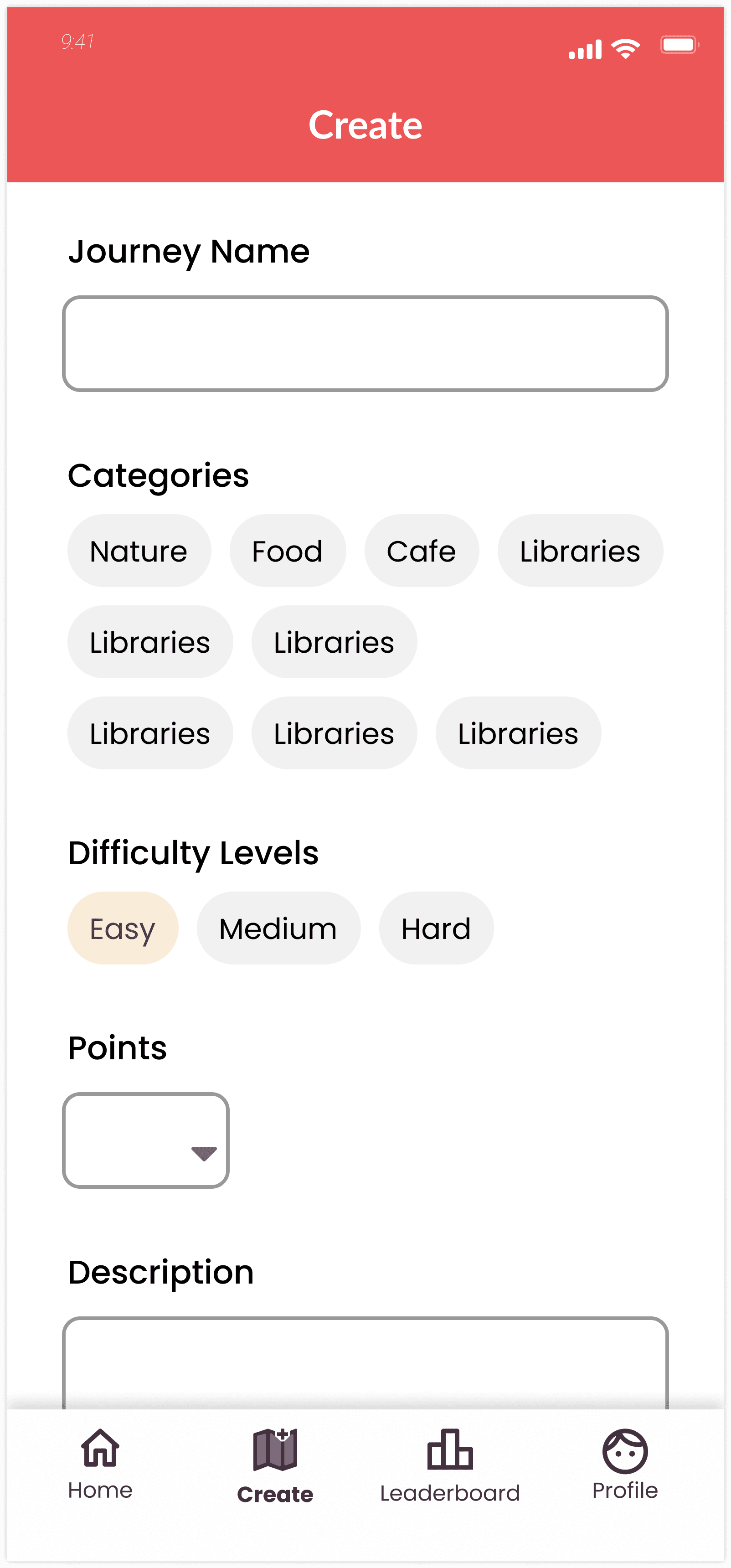
Creating Journey
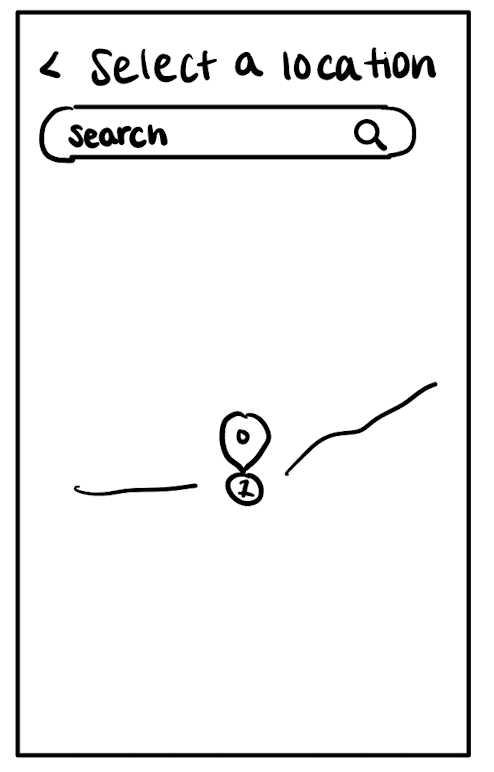
Location Selection
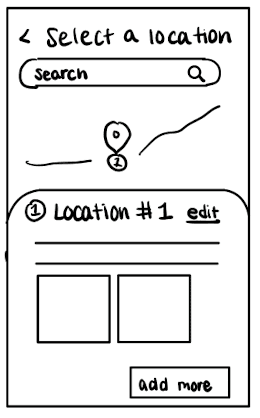
Details of Location
Due to time constraints and extensive user interviews, we were only able to complete some key features in their mid-fidelity state. We plan to continue iterating, bringing the design to critique, and conducting user testing before reaching high fidelity.
CURRENT MID-FI
Design System
Bringing CornellGO’s Brand to Life
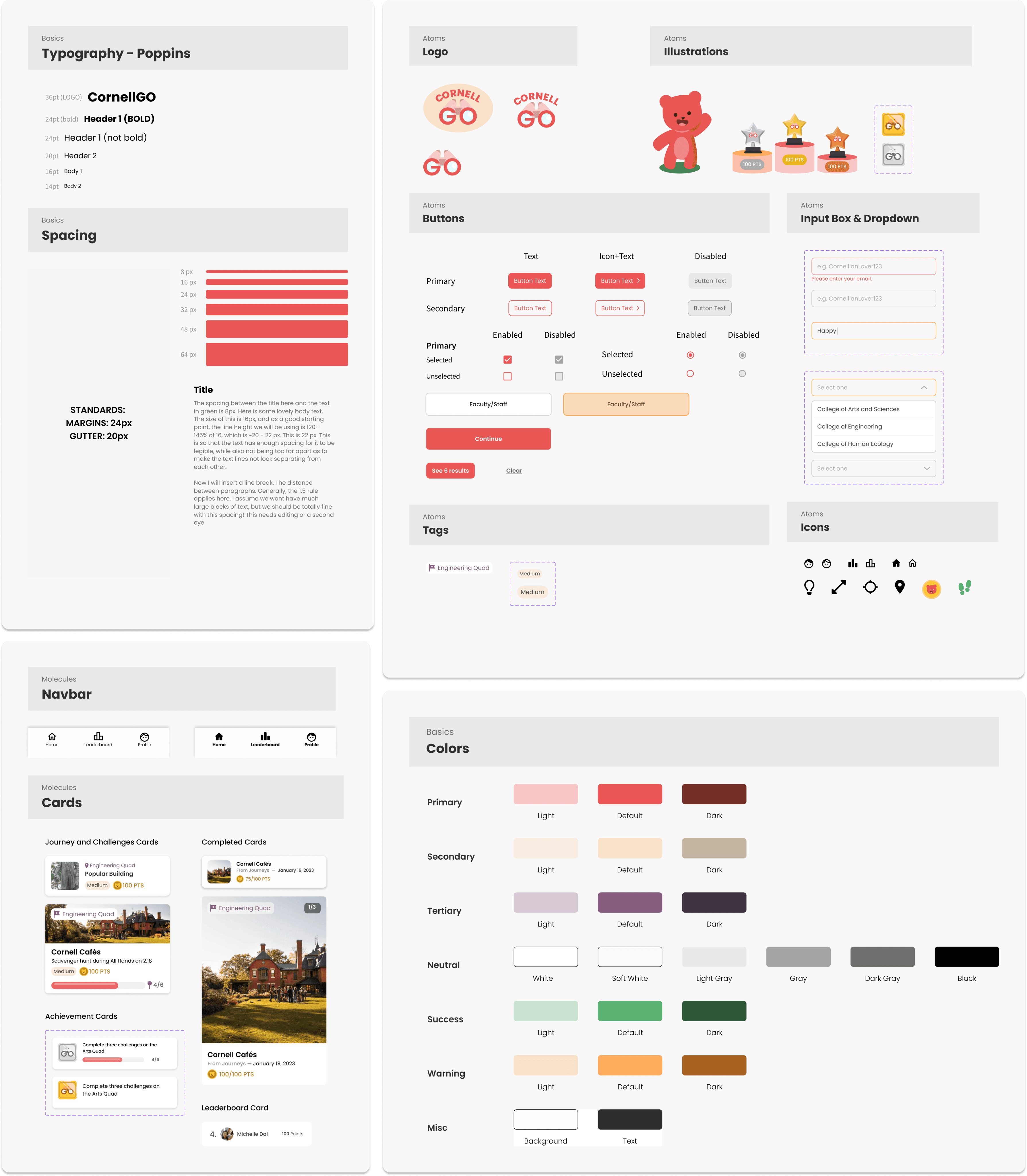
CornellGO’s established design system made onboarding easy. I focused on staying consistent while making small accessibility improvements that create a more cohesive experience for users and future designers.
Reflection and next steps
It’s been such a rewarding semester, and here are my key takeaways from designing CornellGO:
Seek developer feedback early.
Seeking feedback from developers early helps identify potential challenges and ensures design ideas are feasible, leading to smoother execution and fewer obstacles during development.
Simple concepts aren't always easy to execute.
Designing for intuition requires constant iteration and careful planning. Even straightforward concepts demand thorough testing and adjustment to ensure that they deliver a seamless and functional user experience.
Never fear critique.
Critique offers opportunities for growth by challenging assumptions and refining ideas. Embracing feedback drives the design forward and ensures the final product aligns with user needs and expectations
This project strengthened my collaboration with developers and designers while deepening my understanding of engineering constraints. I enjoyed adding playful interactions with our mascot, Niki the Bear 🐻, and look forward to refining the experience as CornellGO launches.